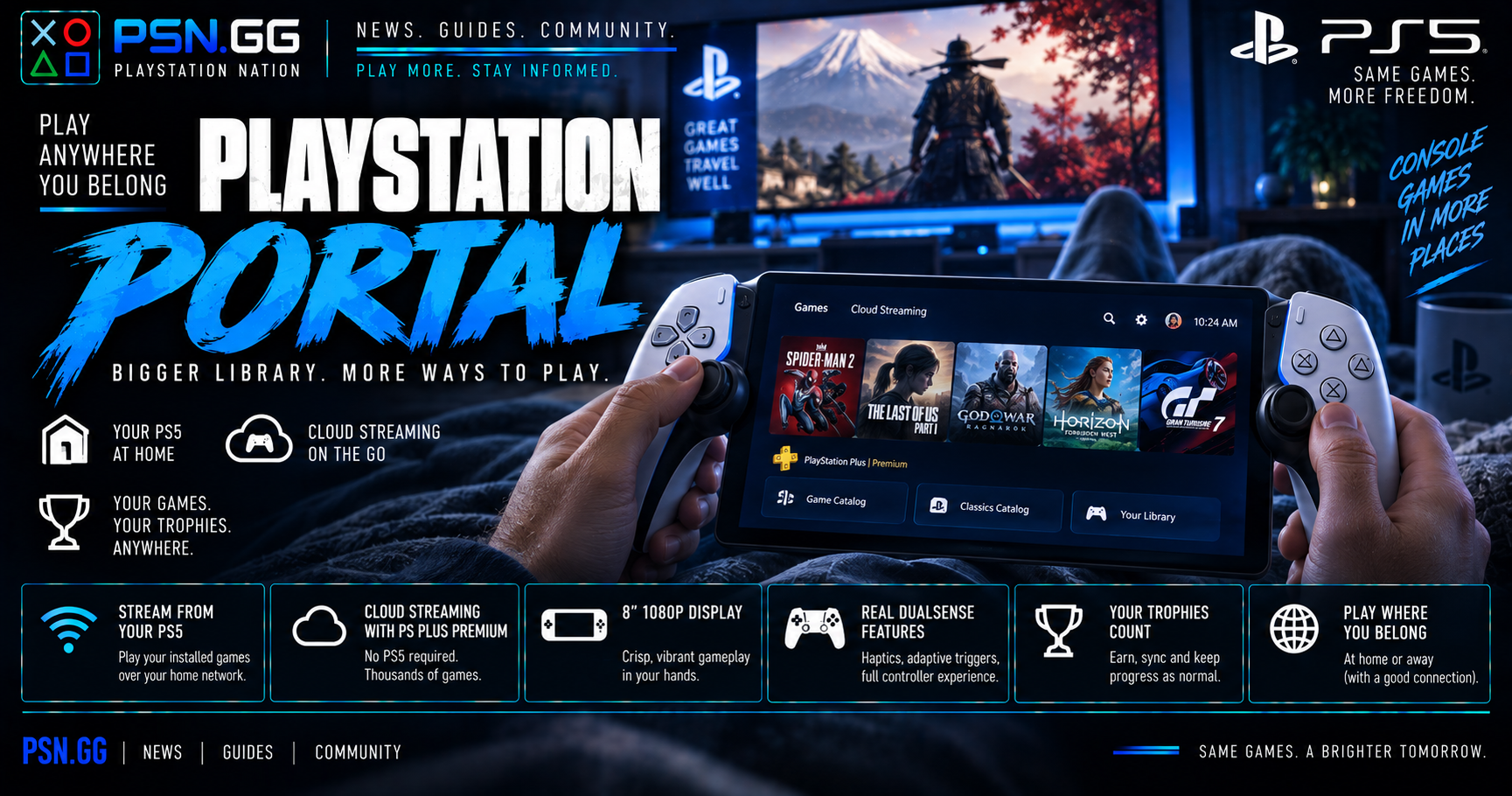
The PlayStation Portal launched as an awkward proposition: a $199 handheld that could not run a single game by itself. It was a screen bolted to a DualSense that streamed from a PS5 sitting in another room, and if that console was off, or someone else was using it, you had a paperweight.
Cloud streaming changed the calculation. It did not make the Portal a console, but it made it something you can use without a PS5 switched on — provided you pay for the right subscription tier.
What it costs
| Item | Price |
|---|---|
| PlayStation Portal | $249.00 |
US price verified August 2026. A PS5 and/or a PS Plus Premium subscription is required for the Portal to do anything — see below.
What it is
An 8-inch 1080p LCD screen with a DualSense split in half around it. You get the real controller experience — haptic feedback and adaptive triggers, not simplified approximations — which remains the single best thing about the device and the reason it feels better in the hands than the spec sheet suggests.
It has two modes.
Remote Play streams from your own PS5 over your network. Anything installed on that console, you can play — including disc-based games, as long as the disc is in the drive. The console needs to be on or in rest mode with remote start enabled.
Cloud streaming arrived in November 2025 for PlayStation Plus Premium members and does not require your PS5 to be involved at all. It pulls from three places: the PS Plus Game Catalog, the Classics Catalog, and — the genuinely useful addition — "Your Library", meaning digital PS5 games you already own. The streaming catalogue runs to several thousand titles.
The interface was rebuilt around those two modes plus search, and the update also brought 3D audio support and accessibility improvements.
What it needs
This is where people get caught out, so be clear-eyed about it:
- For Remote Play: a PS5, and a decent home network. Wired to the router at the PS5 end makes an enormous difference.
- For cloud streaming: a PlayStation Plus Premium subscription. Not Essential, not Extra. This is a recurring cost on top of the hardware.
- Bandwidth: roughly 5Mbps minimum just to establish a session, around 7Mbps to hold 720p, and about 13Mbps for 1080p.
That last set of numbers is the honest gate. The Portal is a streaming device, and every streaming device is only as good as the connection under it. On strong Wi-Fi it is genuinely impressive. On hotel Wi-Fi, or a congested network at peak hours, it is frustrating in a way no firmware update fixes.
Who should buy one
- You own a PS5 and someone else controls the television. This is the original use case and still the strongest. The Portal turns a contested living room into a non-issue.
- You already pay for PS Plus Premium. Cloud streaming turns a large sunk cost into a portable library, and the Portal is the most comfortable way to use it.
- You want to play in bed, in another room, or in the garden without moving hardware. Around the house, on your own network, it does exactly what it promises.
Who should not
- You want a Switch. The Portal is not a portable console. Away from a strong connection it does nothing, and no amount of goodwill changes that.
- Your internet is unreliable. The floor is a hard floor.
- You do not want PS Plus Premium. Without it you are buying a Remote Play screen, which is a narrower device than the current marketing suggests.
- You mostly play competitive shooters. Streaming latency is real. It is fine for most single-player games and noticeably not fine for anything where reaction time decides matches.
For trophy hunters
Trophies earned through Remote Play or cloud streaming are ordinary trophies. They unlock, sync, and count toward your level exactly as they would on the console, with no asterisk and no separate list.
That makes the Portal quietly useful for grinding. A long collectible sweep or a repetitive levelling stretch is far more pleasant from a sofa than a desk chair, and the trophies land identically. What it is not good for is anything demanding precise timing — a difficulty trophy that already tests you will test you harder over a stream.
The verdict
At $249, the Portal is a good accessory and a poor console, and it is important to buy it as the former. If you own a PS5 with a contested television, or you subscribe to PS Plus Premium and want the most comfortable way to use it, it is a genuinely pleasant device with the best controller feel in its class.
If you are hoping for a handheld that works on a train, this is not that, and cloud streaming has not made it that.
Frequently asked questions
Does the PlayStation Portal need a PS5?
For Remote Play, yes. For cloud streaming, no — but that requires a PlayStation Plus Premium subscription instead.
Can it play games offline?
No. Both modes require a network connection.
Does cloud streaming cost extra?
It requires PS Plus Premium, the top subscription tier. There is no one-off purchase.
Can I play my own digital games over cloud streaming?
Yes — the "Your Library" option streams digital PS5 titles you already own, alongside the Game Catalog and Classics Catalog.
Do trophies work on the Portal?
Yes, normally, in both modes.
What internet speed do I need?
Around 7Mbps for 720p and roughly 13Mbps for 1080p, with about 5Mbps needed just to start a session.
Discussion
Sign in to comment with your PSN.GG identity.
Be the first member to comment on this story.